Some Christmas playlists are made for sipping
cocoa by the fire. This is not one of them.
We love a classic holiday song as much as anyone,
but sometimes the season calls for a little more
personality. A little hip-hop. A little rock.
A little Mariah. And maybe a song or two that
makes someone across the room say,
“Wait, who put THIS on?”
Guilty.
Meet
Jolly AF Christmas, our very own
Joy & Chaos holiday playlist.
Some people wrap gifts weeks ahead. Some of us are still looking for the tape. Either way, a tiny espresso martini looks pretty cute under a bow.
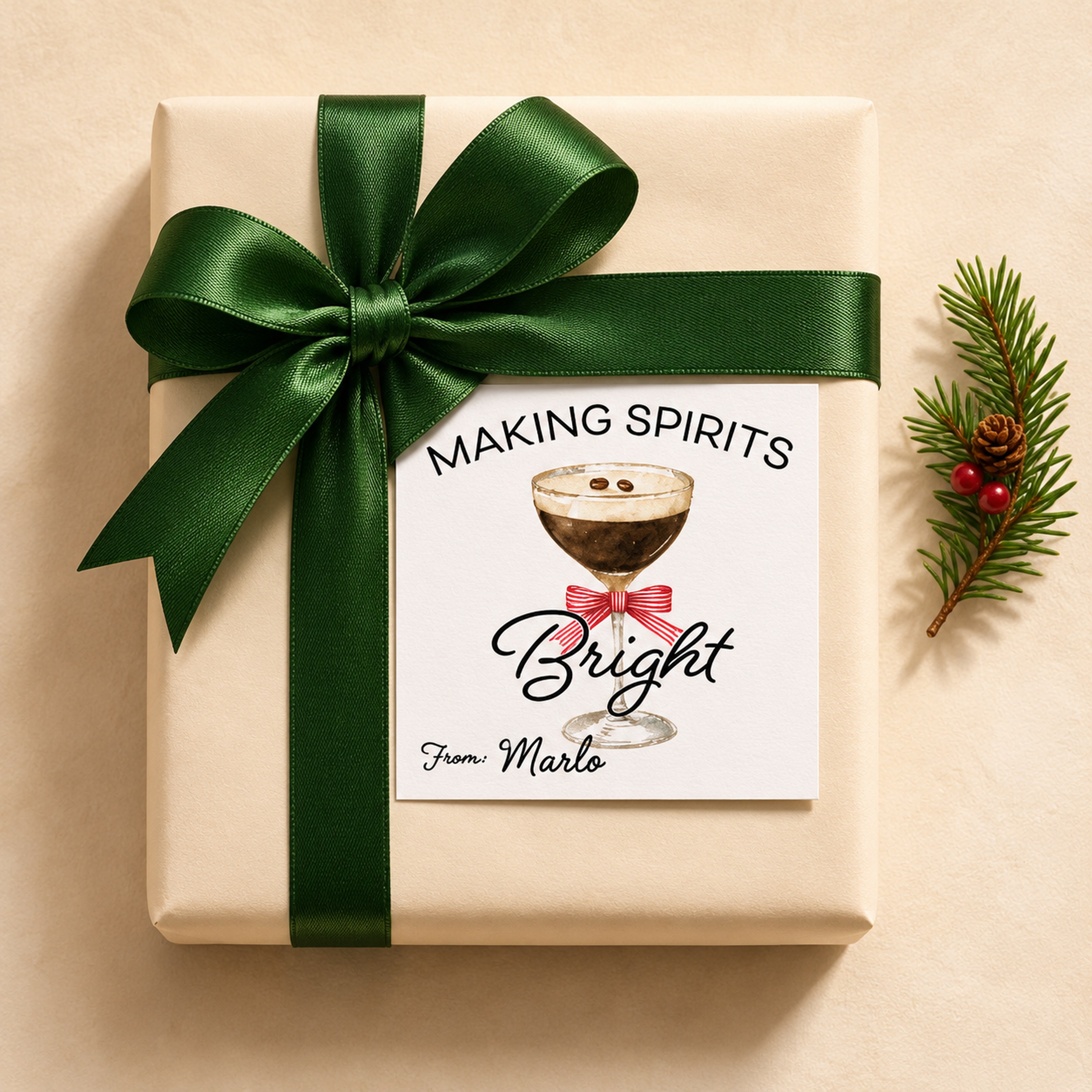
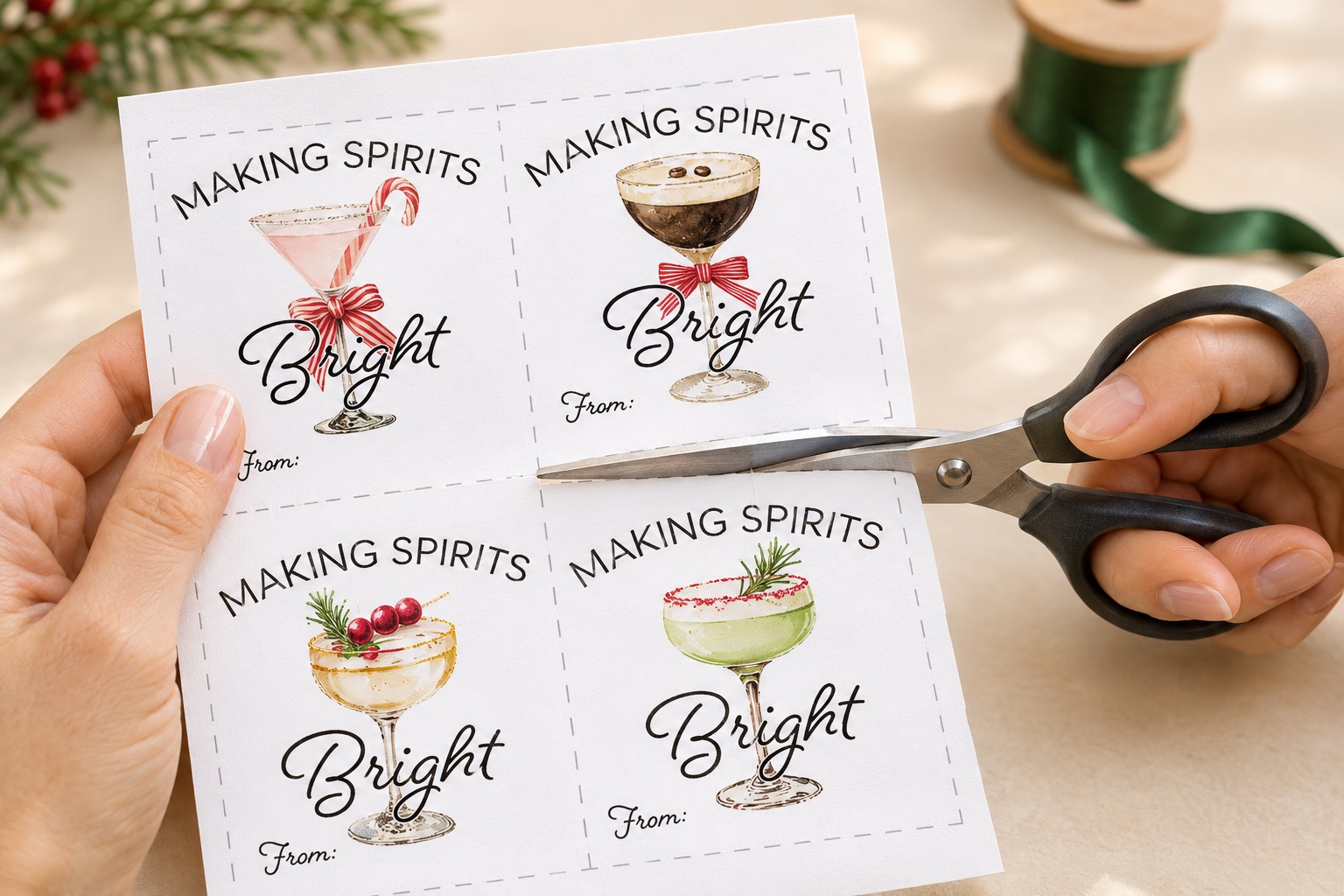
Our free Making Spirits Bright Christmas gift tags come with nine watercolor cocktail designs, from a candy cane martini to a gingerbread-topped sip. Pick the one that feels most like your person, sign your name, and tuck it under the ribbon. The espresso martini is going on a bag of coffee beans for the friend who’s always up for one more round.
The free PDF includes nine designs on one sheet. Print as many copies as you need for personal use.
Pick your paper
White cardstock makes a sturdy little gift card. Slip it under a ribbon, tape it onto the package, or punch a hole near a corner and tie it on.
Full-sheet printable sticker paper turns the same designs into peel-and-stick gift labels. Use uncut full-sheet sticker paper made for your printer.
How to print and use your Christmas gift tags
Download and print in color. Open the PDF and select Actual Size or 100%. Choose the paper size that matches the PDF and the print setting recommended for your cardstock or sticker paper.
Cut along the gray dashed lines. Use scissors or a paper trimmer. If you’re using sticker paper, leave the backing on while you cut.
Sign the “From” line. Write your name before you attach the tag. Let the ink dry if you’re writing on glossy sticker paper.
Tie it on or peel and stick. Slip a cardstock tag under the ribbon or tie it onto your gift. For a sticker, peel off the backing and press the label onto dry wrapping paper, a gift bag, or a box.
What to put them on
Tie one around a bottle for your holiday host, add one to a cocktail mixer and glassware gift set, or stick one on a box of cookies for the friend who always checks the dessert menu first. The gingerbread tag was made for that one.
You made the mashed potatoes. You found enough chairs. Now there’s just one thing left to settle. Who’s taking home the pie?
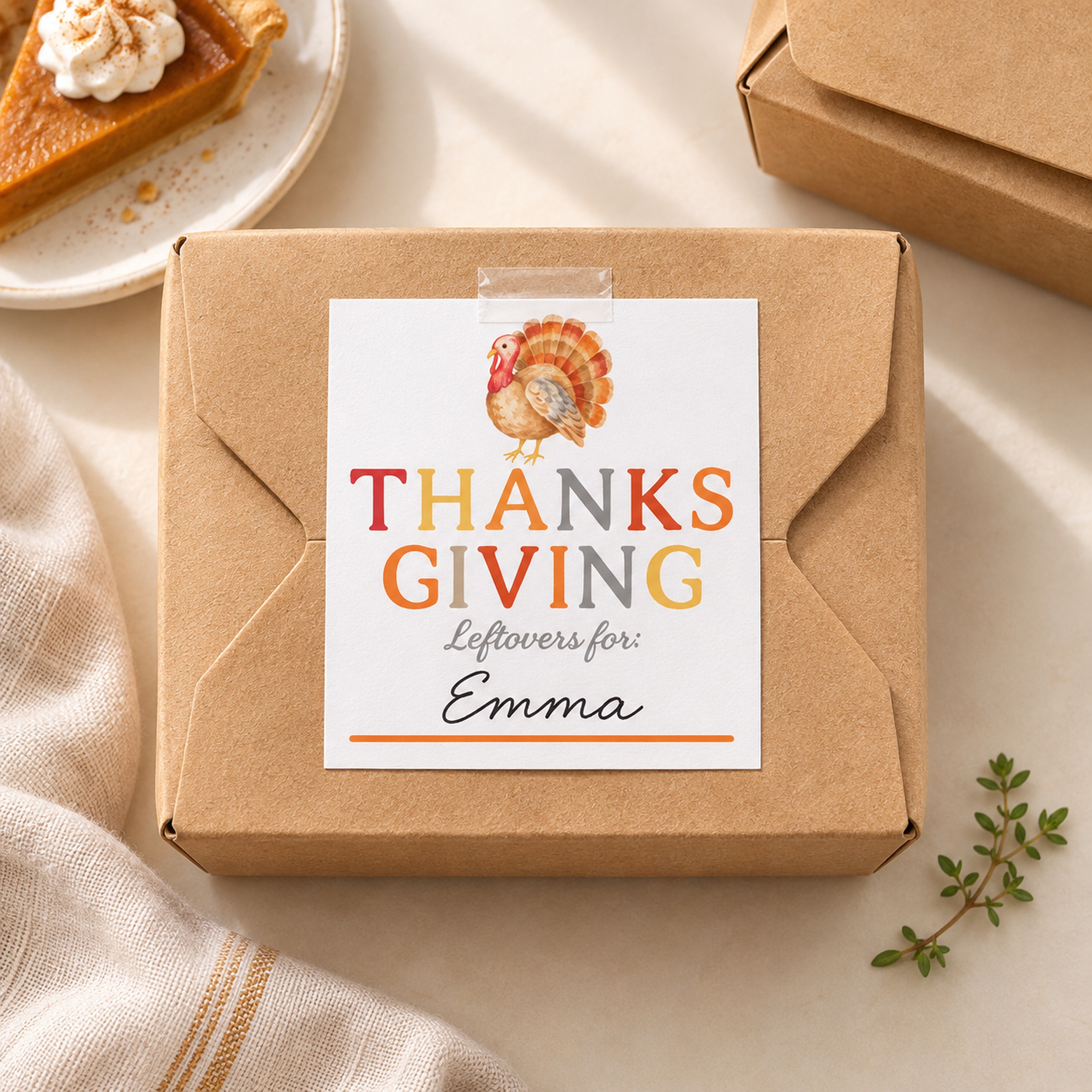
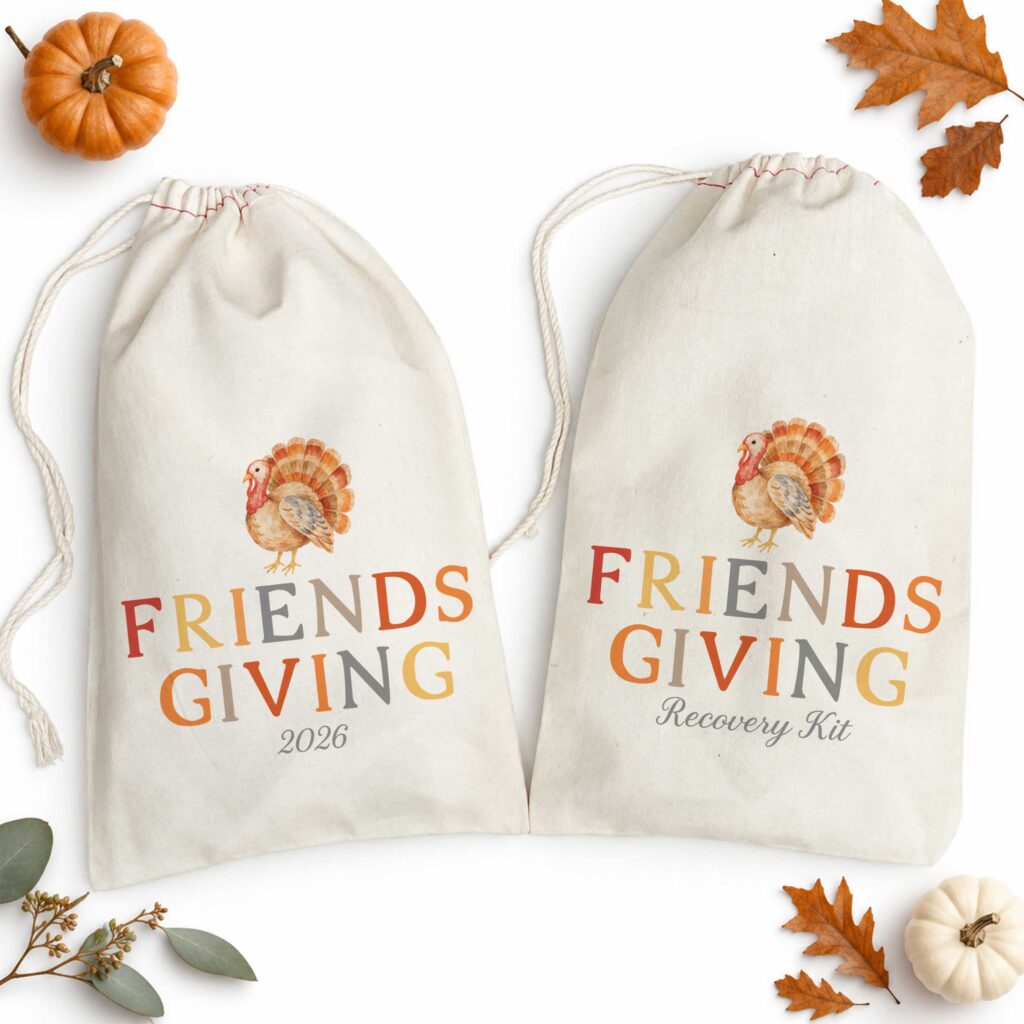
Our free printable Thanksgiving leftover labels make it easy to send everyone home with a little of their favorite dish. Each label has a watercolor turkey, warm fall colors, and a spot to write a name. They’re just as cute on a plain takeout box as they are on the container your sister swears she’ll bring back.
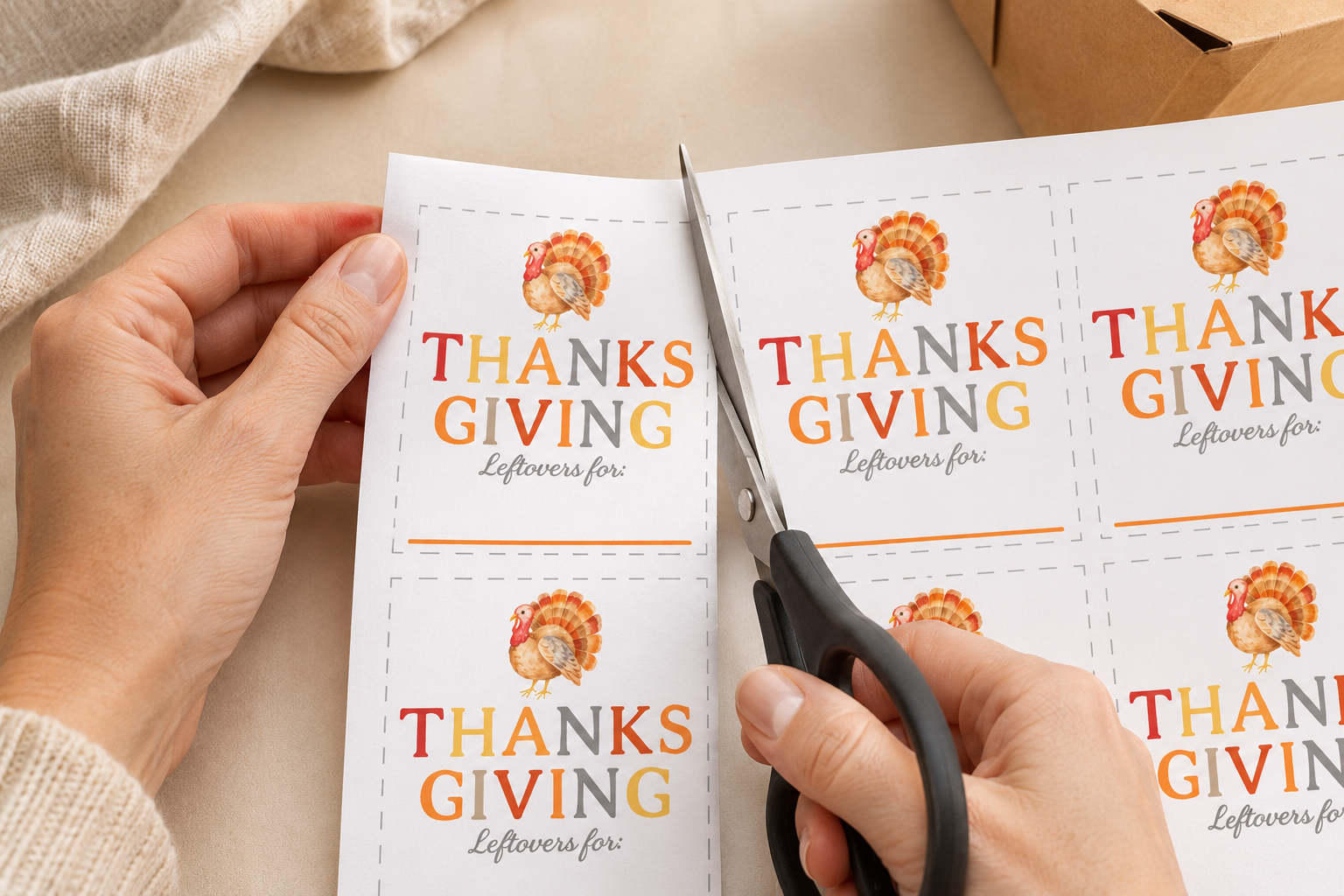
The PDF includes nine matching labels on one US Letter sheet (8.5 × 11 inches). Print as many sheets as you need for personal use.
What you’ll need
White printer paper or lightweight cardstock
Scissors or a paper trimmer
A pen or fine-tip marker
Tape and your favorite take-home containers
How to print and use your leftover labels
Download and print. Open the PDF, choose US Letter and portrait orientation, and print in color at Actual Size or 100%.
Cut along the gray dashed lines. Use scissors or a paper trimmer to cut out all nine labels.
Write in your guests’ names. Fill in the blank under “Leftovers for.” If someone’s taking home two containers, you can add a little note like “Emma • Pie” or “Emma • Stuffing.”
Tape the labels to the lids. A small strip of clear tape works well on paper takeout boxes and dry reusable lids.
Set up a little leftovers station
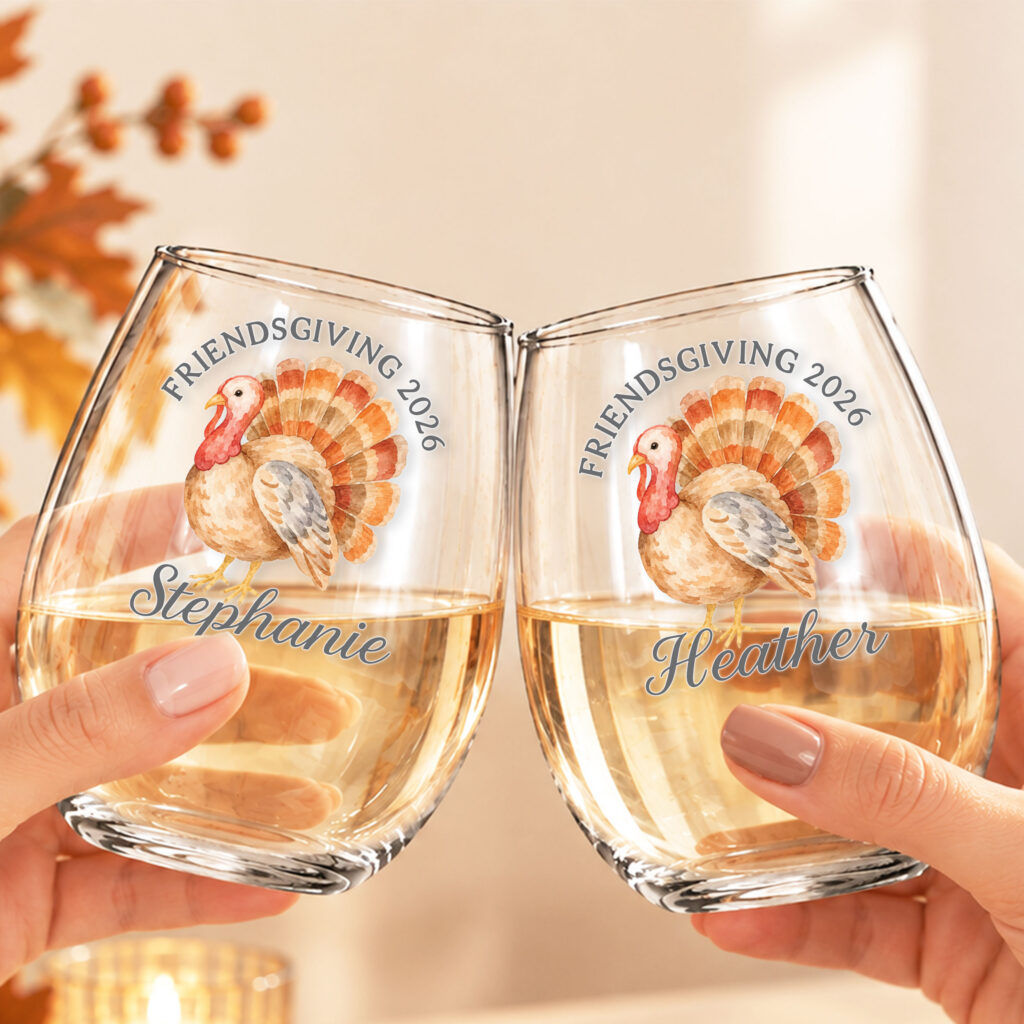
Before dinner, set out a stack of containers, a few cut labels, a marker, and tape. When it’s time to pack up, guests can make their own take-home boxes while you finish your slice of pie. Hosting Friendsgiving? Put a few extra labels by the dessert table for the friends who are already thinking about breakfast.
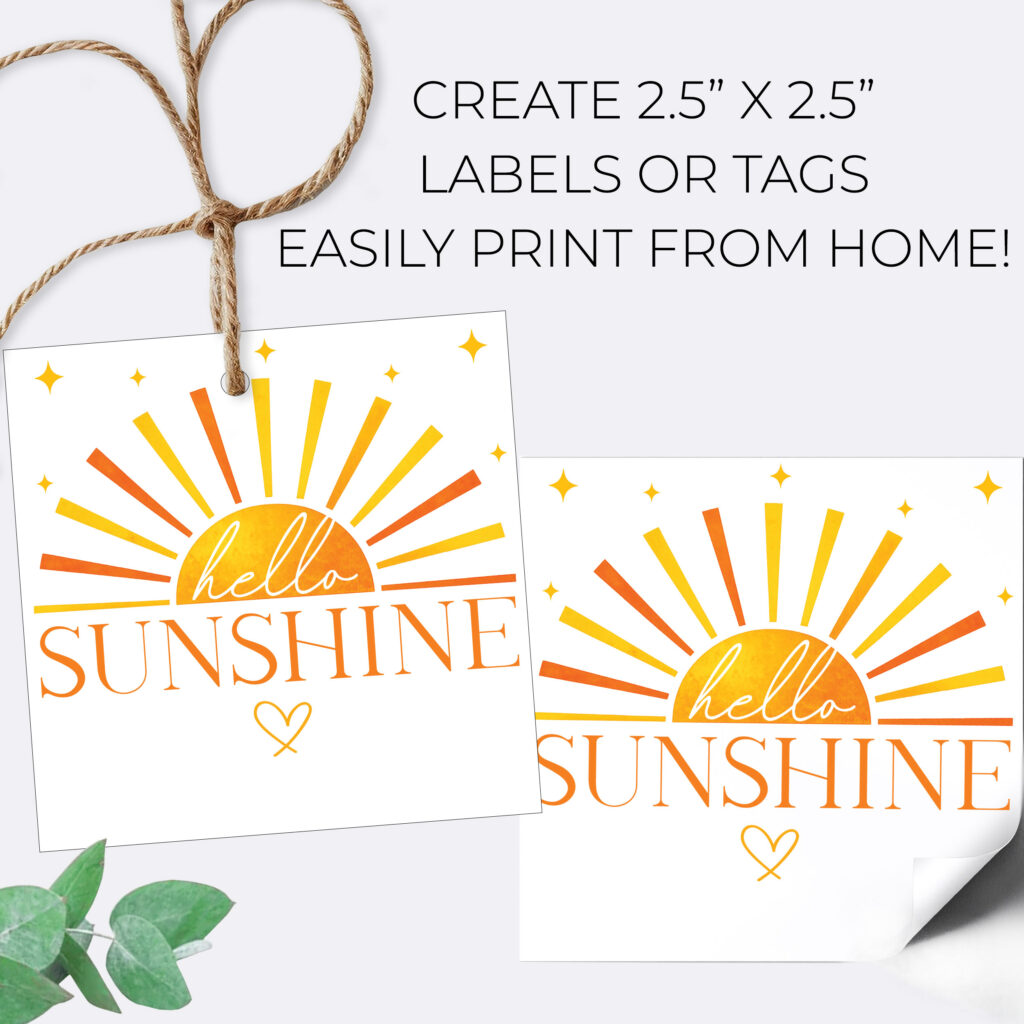
If you’re looking for a quick, cheerful way to make a gift feel extra special, these Hello Sunshine printable gift tags are the perfect finishing touch.
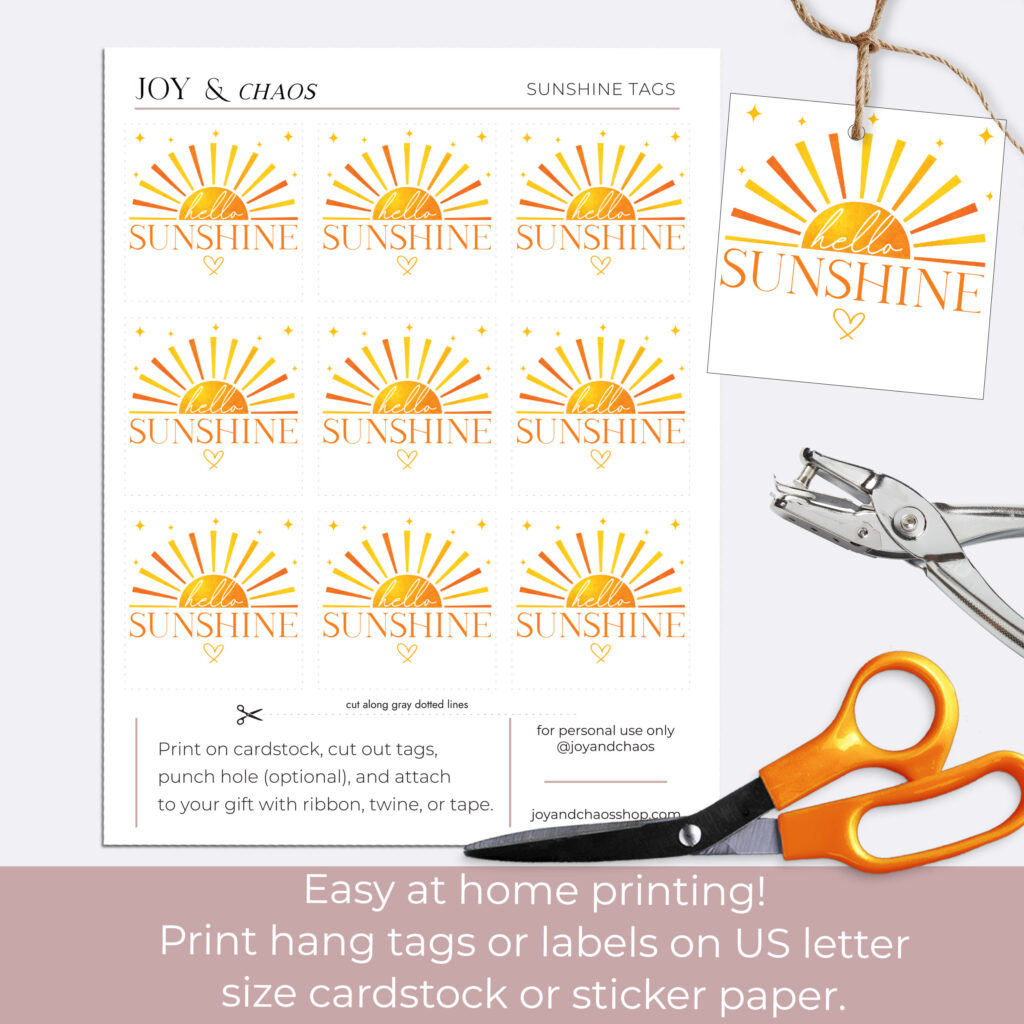
Whether you’re putting together an end-of-year teacher gift, a sunny birthday surprise, or a small thank-you present, these bright and happy tags instantly elevate any package. The printable sheet includes 9 gift tags per page, making it easy to create multiple gifts in just a few minutes.
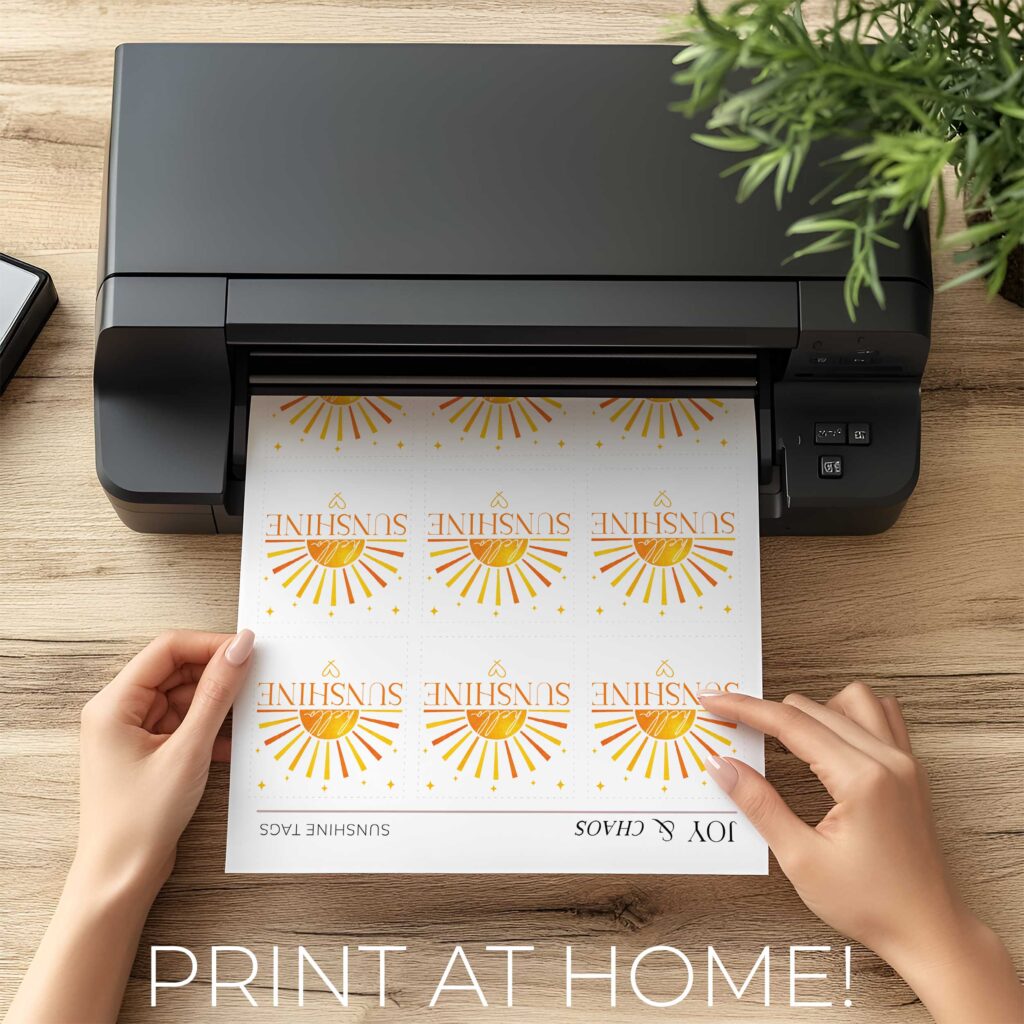
Even better? You can print them right at home.
Below is a simple step-by-step guide to help you print, cut, and attach your Hello Sunshine gift tags so they look polished and gift-ready.
What Makes These Hello Sunshine Tags So Great
These printable tags are designed to be simple, modern, and versatile. They work beautifully for:
• End of year teacher gifts • Teacher appreciation gifts • Birthday gifts • Summer party favors • Thank you gifts • Small surprise gifts
Each page includes nine matching tags so you can easily make multiple gifts at once. Pair them with candles, gift cards, small treats, or summer-themed goodies for an extra thoughtful touch.
Supplies You’ll Need
Before you start, gather a few simple materials:
• Printer • White cardstock (recommended for best results) • Scissors or paper trimmer • Hole punch (optional) • Ribbon, twine, or gift string • Tape (optional alternative to ribbon)
Cardstock works best because it gives the tags a sturdy, professional feel.
How to Print Your Hello Sunshine Gift Tags
Step 1: Download the printable file Start by downloading the Hello Sunshine printable gift tag sheet. Each page includes 9 tags arranged for easy printing and cutting.
Step 2: Load cardstock into your printer For the best quality, print your tags on white cardstock. Regular paper will work in a pinch, but cardstock makes the tags feel much more like store-bought gift tags.
Step 3: Print at 100% size When printing, make sure your settings are set to “Actual Size” or “100%.” This ensures the tags print at the correct dimensions and stay aligned for cutting.
Step 4: Cut out the tags Use scissors or a paper cutter to trim along the edges of each tag. Since the sheet contains nine tags, you’ll have several ready to go for multiple gifts.
Step 5: Punch a hole (optional) If you plan to tie your tag onto a gift bag or wrapped present, use a hole punch at the top of the tag.
Step 6: Attach to your gift Now comes the fun part. Attach your tag using ribbon, twine, or string. If you prefer, you can simply tape the tag directly onto a gift bag or package.
Teacher Gift Ideas Using Hello Sunshine Tags
These tags are especially perfect for end-of-year teacher gifts. Here are a few easy pairings:
• Gift card + coffee cup • Candle or self-care gift set • Lemon themed gift basket • Small plant or succulent • Treat box or baked goods • Summer tote bag
The bright “Hello Sunshine” message is a sweet way to say thank you while celebrating the start of summer.
Why Print-At-Home Gift Tags Are So Helpful
Printable gift tags are a lifesaver when you need something cute but don’t have time to run to the store. With one download and a quick print, you can instantly upgrade a simple gift.
They’re also great if you’re preparing gifts for multiple teachers, coworkers, or friends because you can print as many sheets as you need.
Simple, cheerful, and easy to make, these Hello Sunshine printable tags are one of our favorite ways to add a little extra happiness to any gift.
Download your printable tags, grab some cardstock, and start spreading a little sunshine.
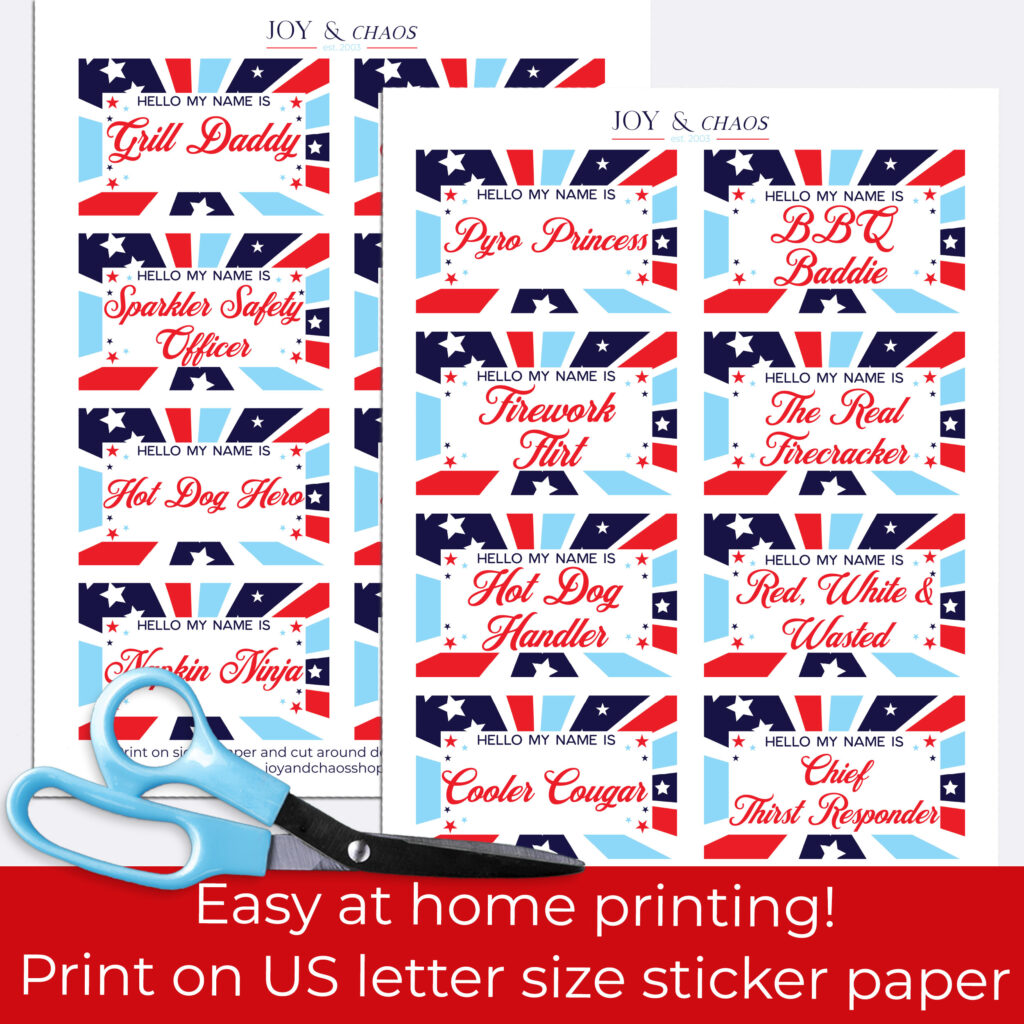
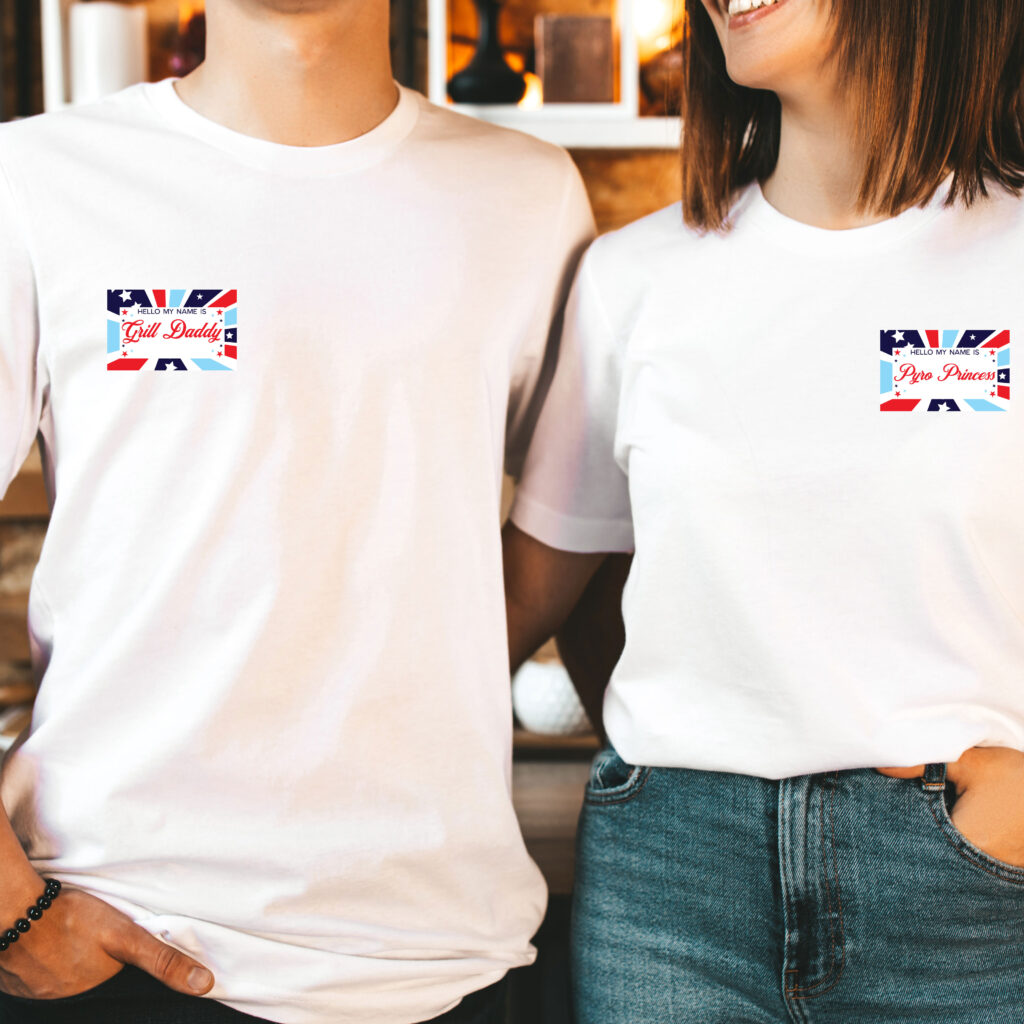
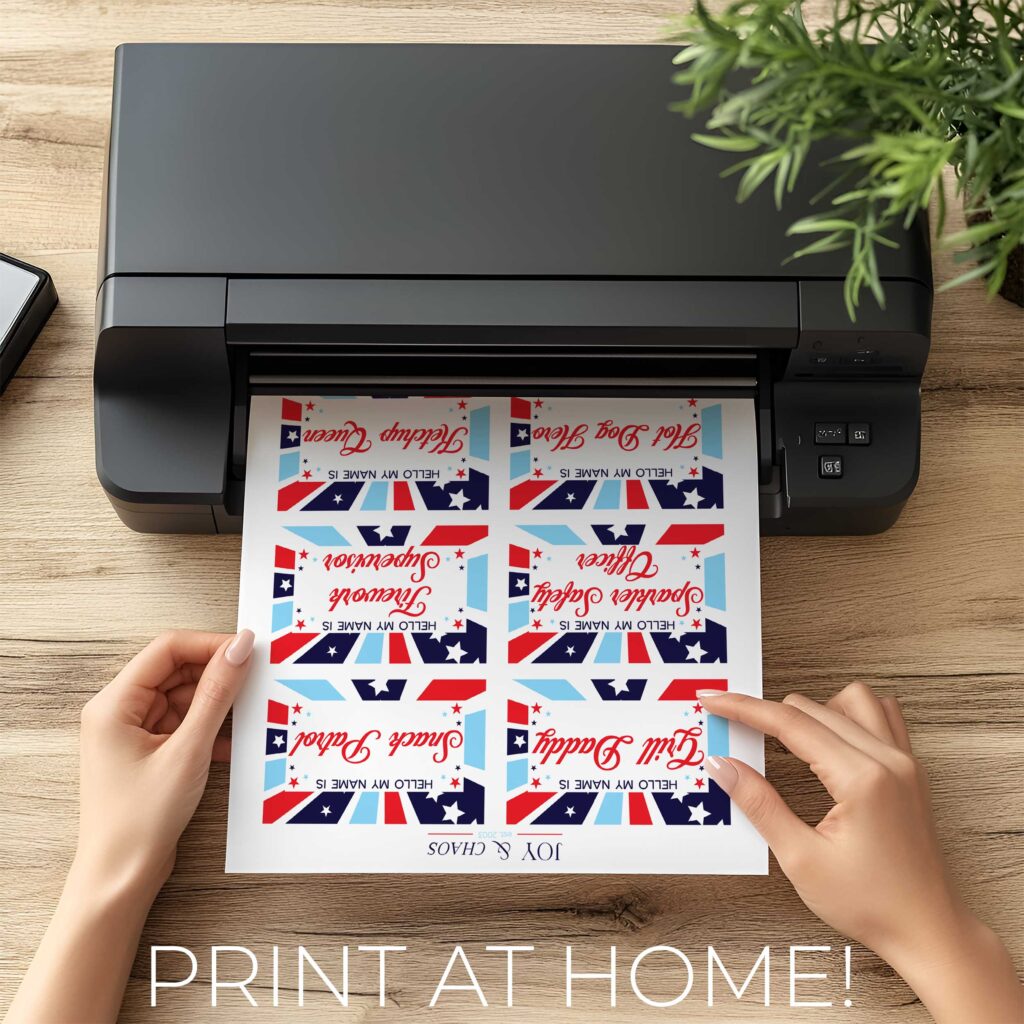
Planning a cookout, lake day, or backyard blowout for the 4th of July? Get ready to fire up the fun with our FREE printable party badge tags — because nothing says “independence” like slapping on a tag that proudly declares you the Hot Dog Handler or Grill Daddy.
These hilarious, slightly naughty badge tags are made for adults who came to party, not just politely nibble watermelon. From BBQ royalty to red, white, and wasted vibes, there’s a tag for everyone in your crew — whether they’re here for the fireworks or just the spiked seltzer.
🎨 How to Use:
Download the free printable
Print at home
Cut and stick onto name tags, cups, shirts, or backs (stealth-mode).
Assign roles, cause chaos, and take lots of photos.
Repeat next year — with better stories.
🧨 What You’ll Need (Besides a Sense of Humor):
A Home Printer – Preferably one that isn’t out of ink for once.
Standard Size Sticker Paper – Or just regular paper + tape if you’re livin’ that crafty, chaotic life.
Scissors – Bonus points if they aren’t sticky from last year’s s’mores sticker project.
Optional: A cold drink – Because crafting is a sport and hydration is patriotic. 🇺🇸🍹
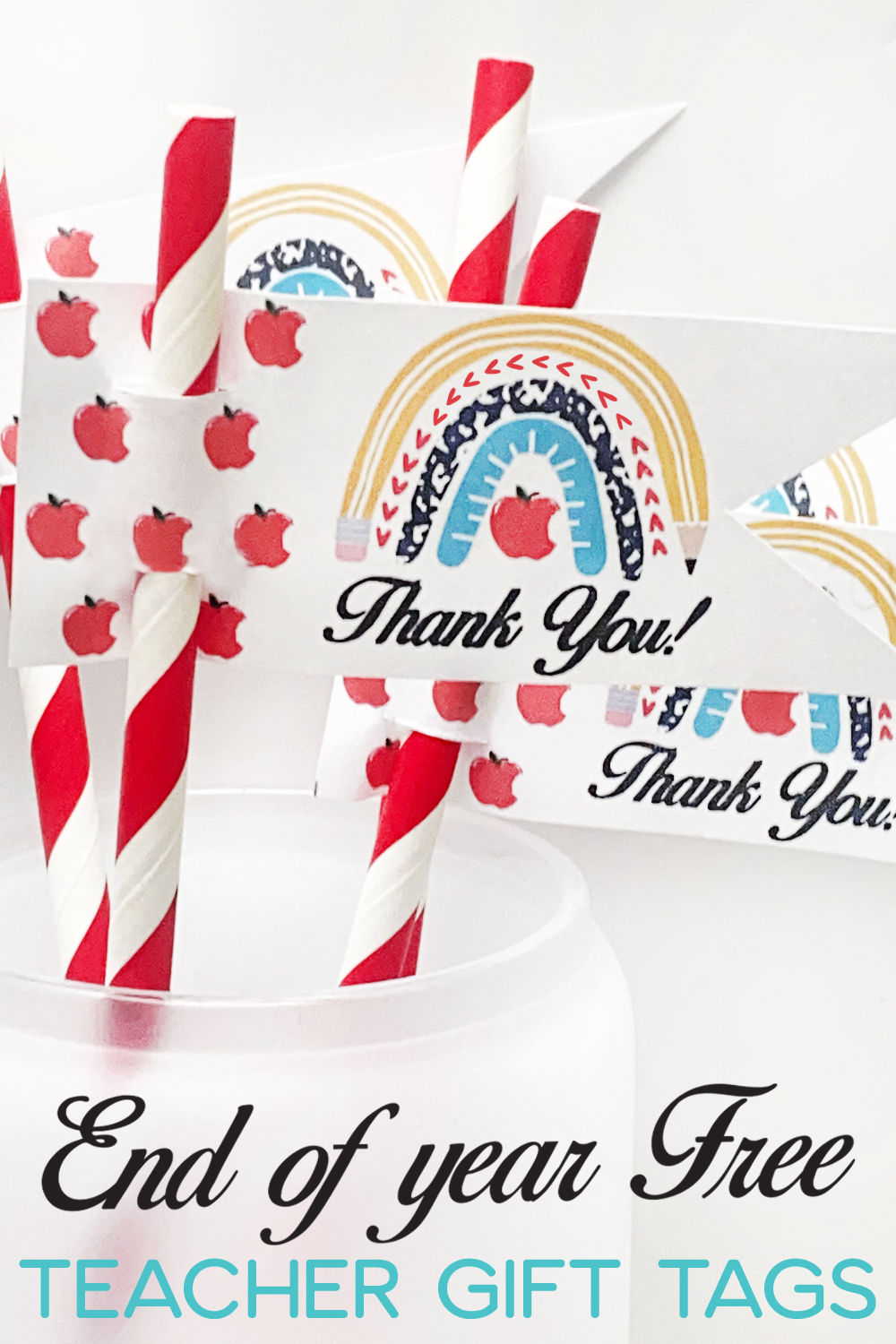
Looking for a fun, last-minute way to say “thank you” to your favorite teacher? These free printable teacher straw tags add the perfect touch of thoughtful and creative – and they take less than 5 minutes to make! With a colorful school-themed rainbow design, they’re sure to brighten up any teacher’s day.
What Are Teacher Straw Tags?
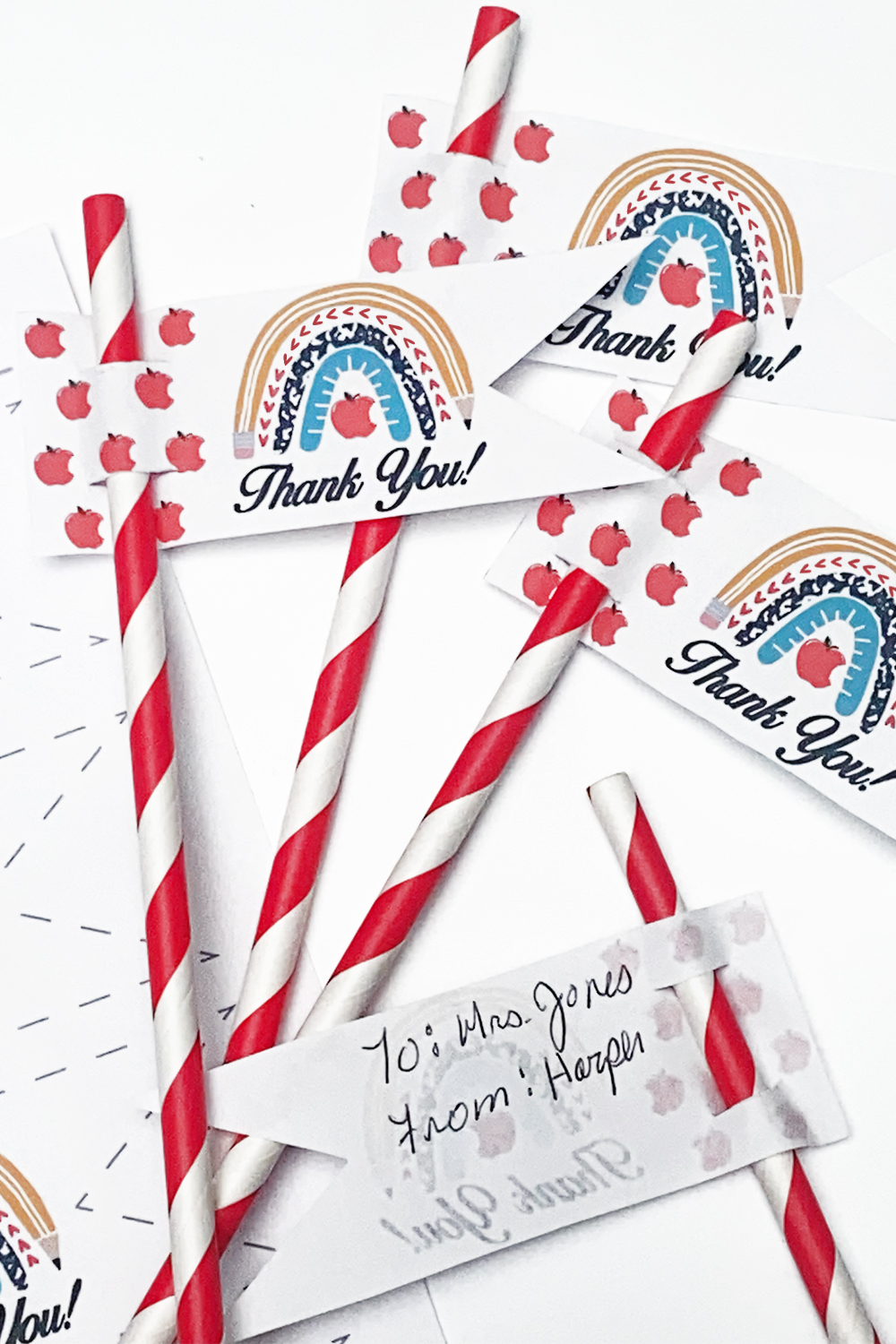
Our fun straw tags simply slide onto the side of a drinking straw – perfect for attaching to a reusable iced coffee, smoothie cup. Our free printable version is designed with a sweet school rainbow and has space on the back for you or your child to write a personal note of appreciation.
🖨️ What You’ll Need
Cardstock or printer paper (cardstock works best for sturdiness but I used printer paper in the photos)
Scissors
A craft knife
Your favorite straws
A pen or marker for your message
✂️ How to Make Them
Download and print the teacher straw tags on cardstock or printer paper.
Cut out each tag along the edge.
Using a craft knife, carefully cut two small slits on opposite sides of the tag. This will let the straw slide through.
Slide the tag onto the straw – it should sit securely without glue or tape!
On the back, write a custom message like “Thanks for making school so sweet!” or “Sip sip hooray for an amazing teacher!”
Why You’ll Love These
Quick and easy – Done in under 5 minutes!
Budget-friendly – Just print at home!
Kid-friendly – Let your child help cut, write, or assemble.
Customizable – Add your own note for a heartfelt touch.
Whether you’re attaching them to a cold drink for Teacher Appreciation Week, the last day of school, or just because – these printable tags are an easy way to show gratitude with a splash of color and a personal touch.
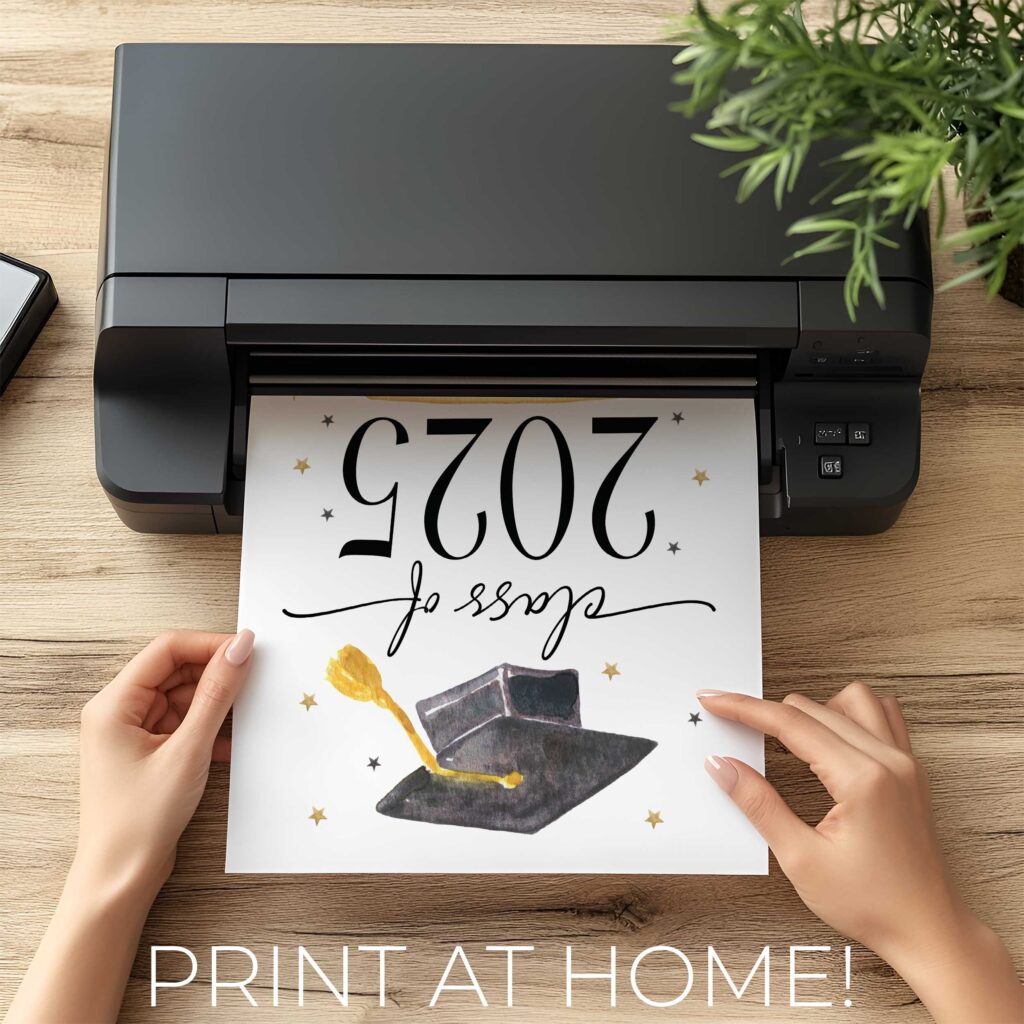
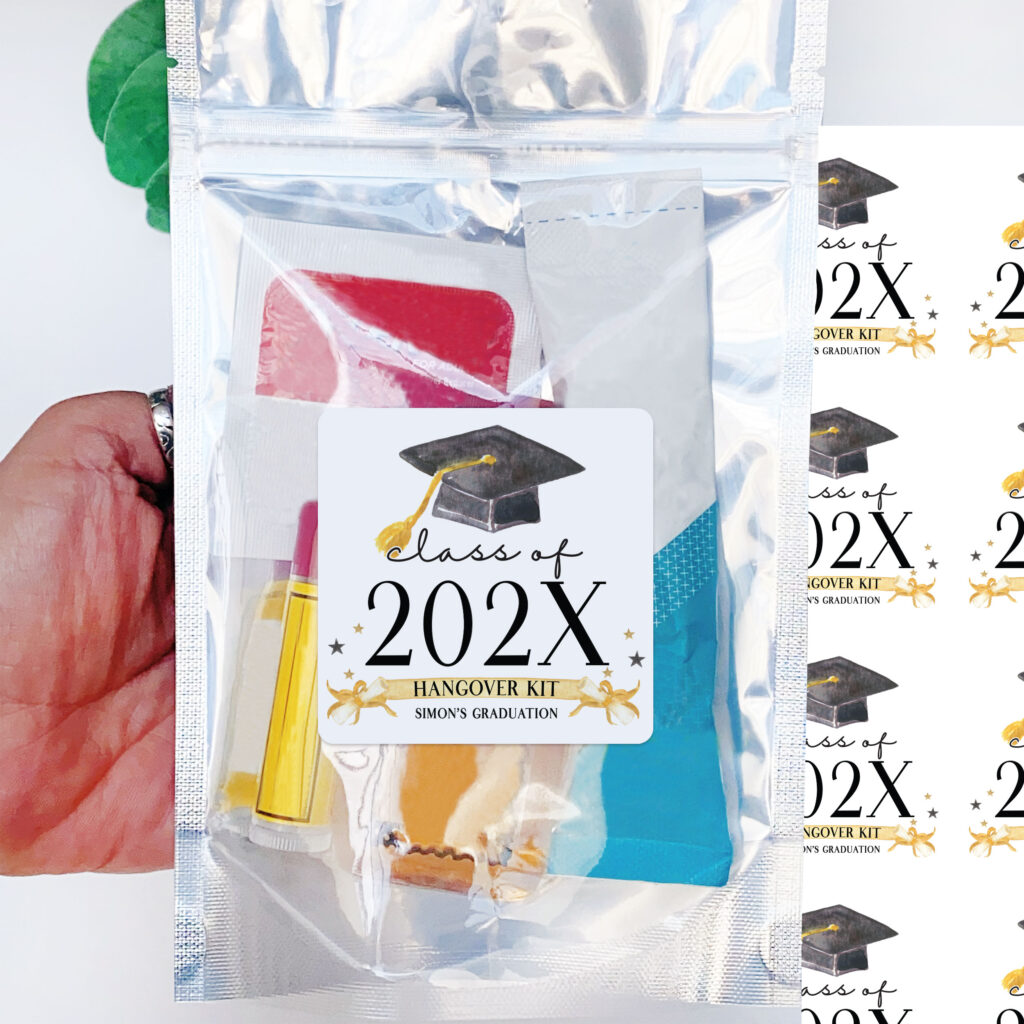
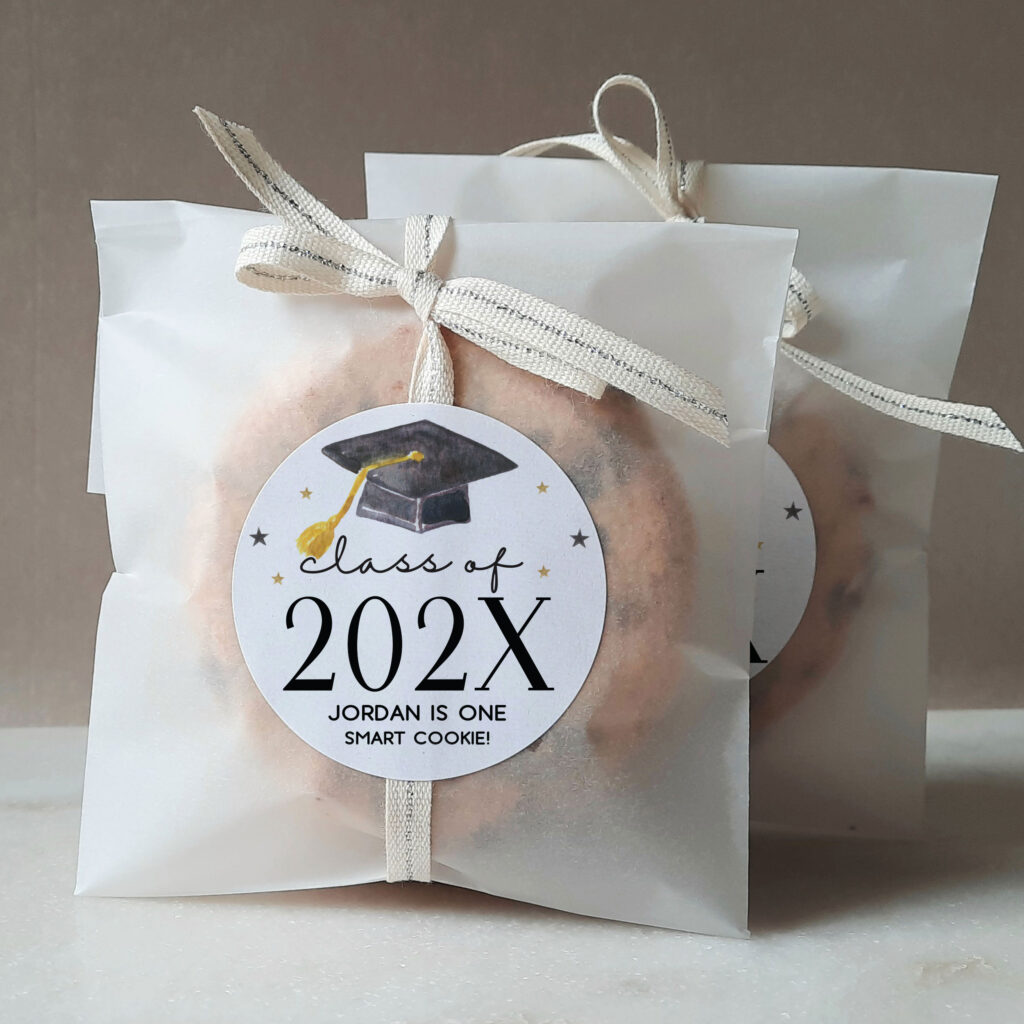
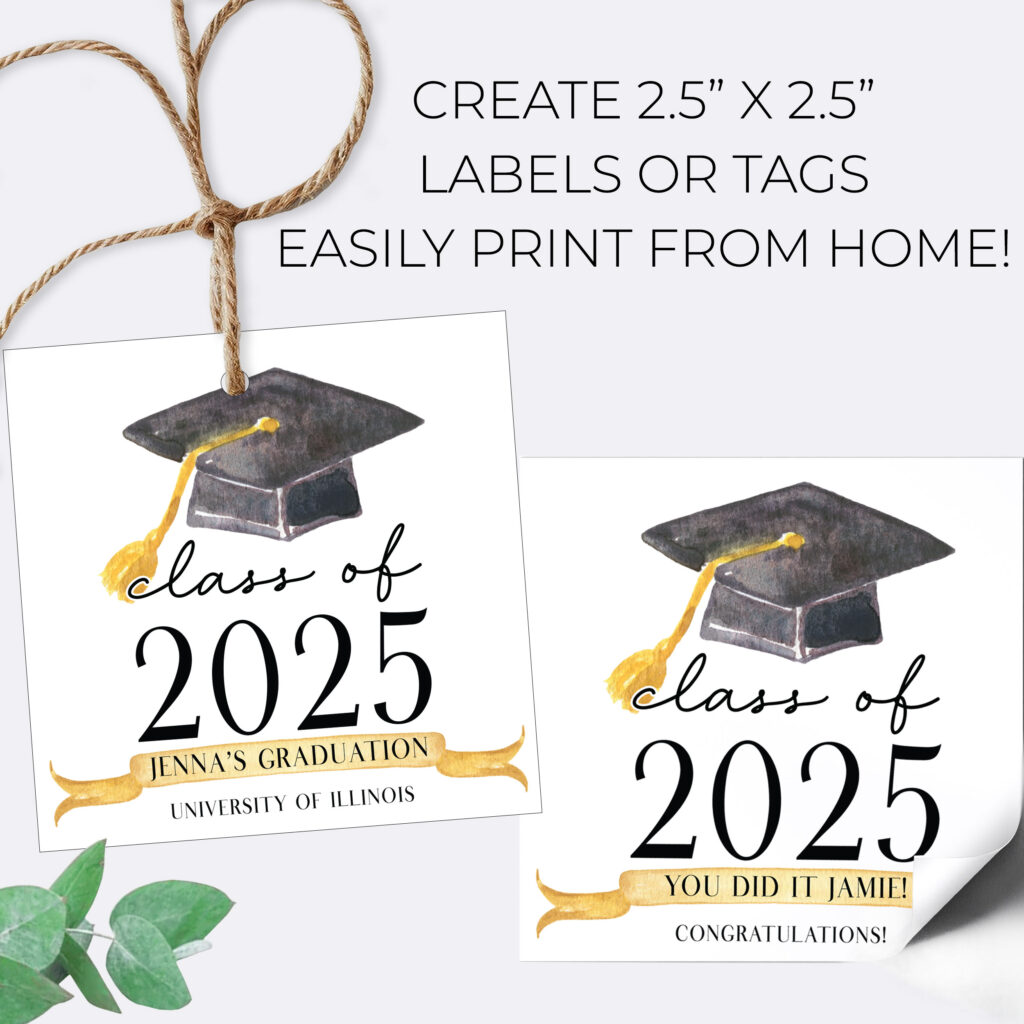
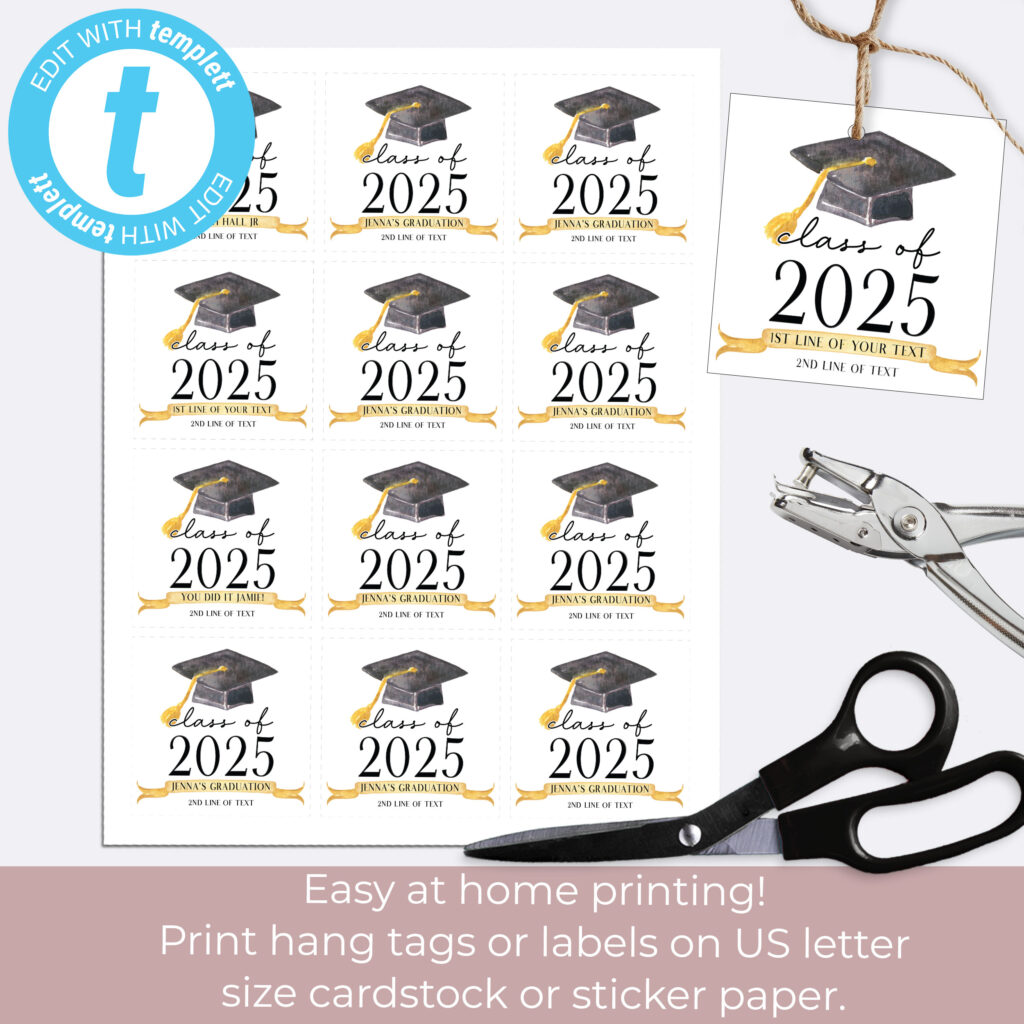
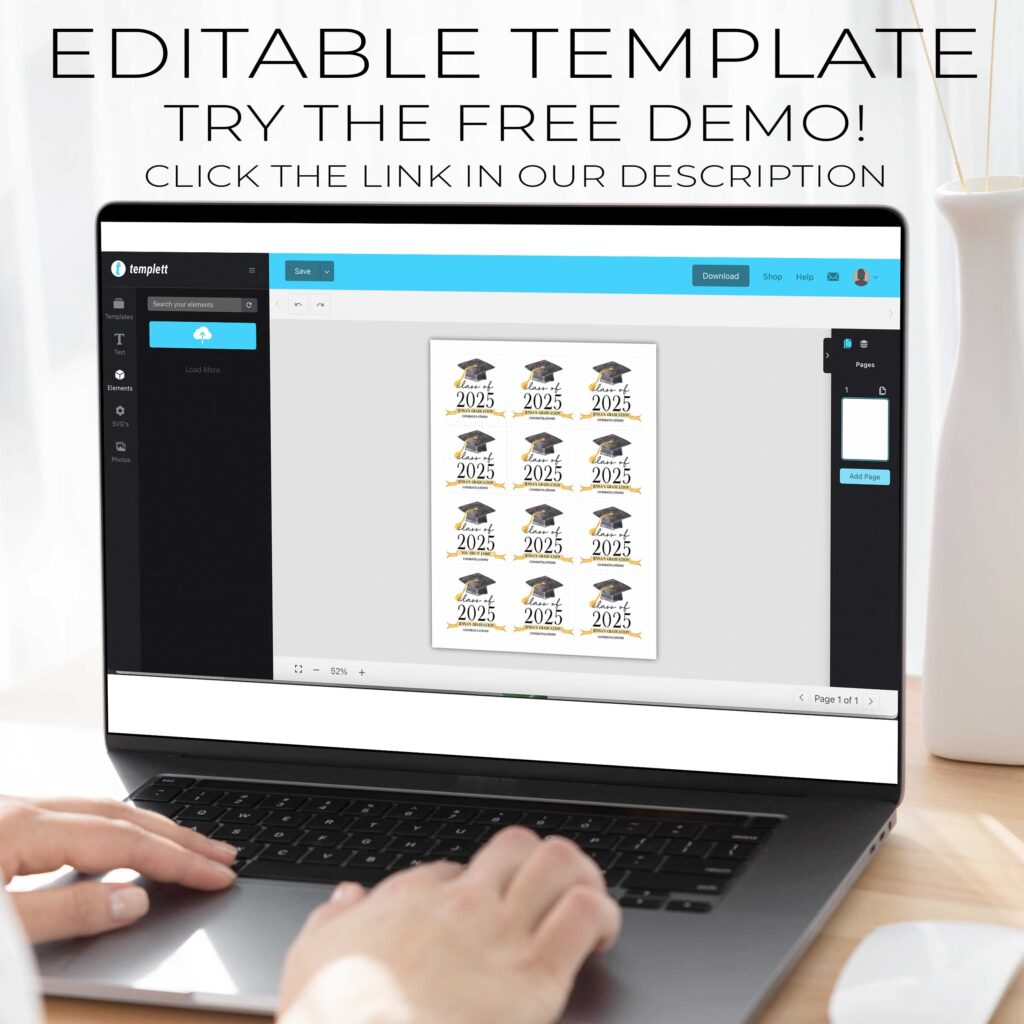
Graduation season is here, and we’re celebrating the Class of 2025 in style! Whether you’re throwing a big bash or hosting a small gathering, it’s the little details that make your celebration extra special. That’s why we’re excited to share a FREE printable “Take a Treat” sign – designed to bring a fun, festive touch to your graduation goodie table.
What’s Included?
Our free Class of 2025 “Take a Treat” sign is a high-resolution PDF you can print at home, making it a quick and easy addition to your party setup. It features a celebratory message that encourages guests to grab a sweet treat in honor of your graduate’s big day.
Perfect Pairing with Joy & Chaos Custom Goodie Bags
Looking for the ultimate grad party combo? This sign pairs perfectly with our custom goodie bag favors. From personalized treat bags to candy kits and mini gift sets, we’ve got everything you need to make your party both memorable and mess-free. Just fill your bags with your favorite treats, add the sign, and your snack station is good to go!
🏷️ Add Extra Flair with Custom Favor Tags
Want to go the extra mile? Coordinate your treat setup with our print-at-home custom favor tags. Personalize them with your grad’s name, school colors, or a short thank-you message. Tie them onto your treat bags or boxes for a cohesive, polished look that guests will love (and want to Instagram!).
📥 Download Your Free Sign Now
Ready to get started? Click here to download your FREE “Take a Treat” Class of 2025 sign and make your graduation celebration one to remember!
Whether you’re crafting a candy bar, popcorn station, or cookie corner, our printable sign and custom party supplies help you celebrate your grad with style, ease, and a personal touch.
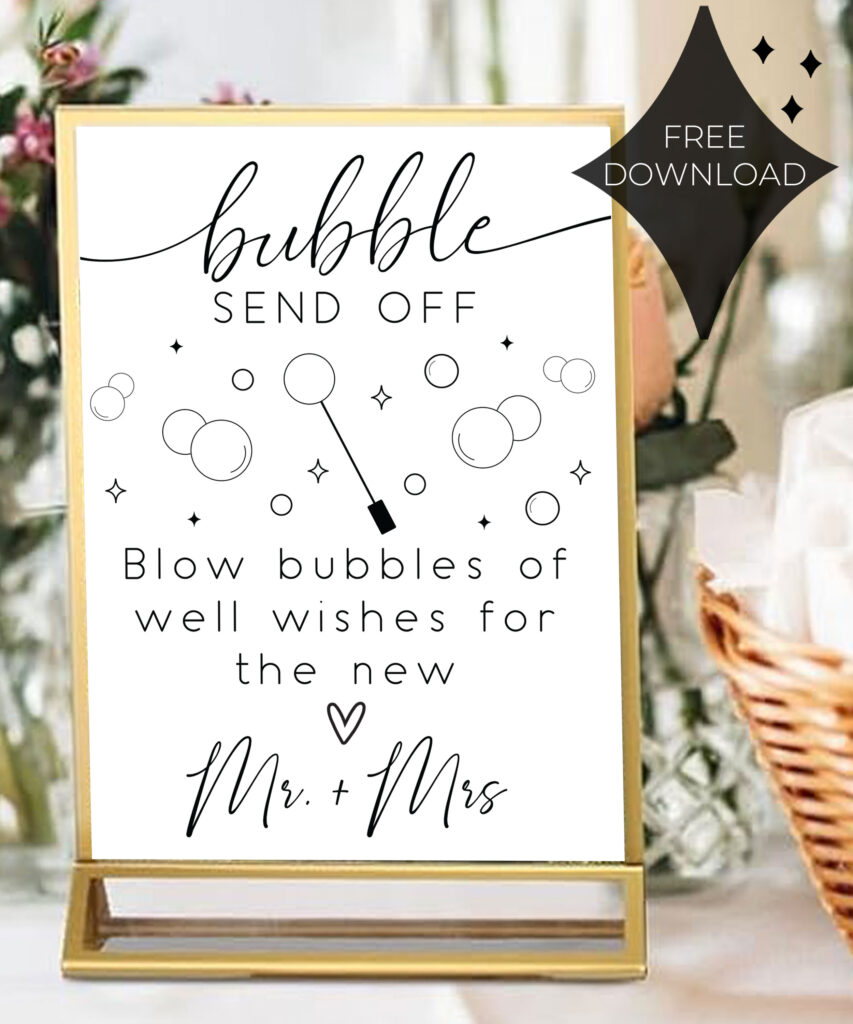
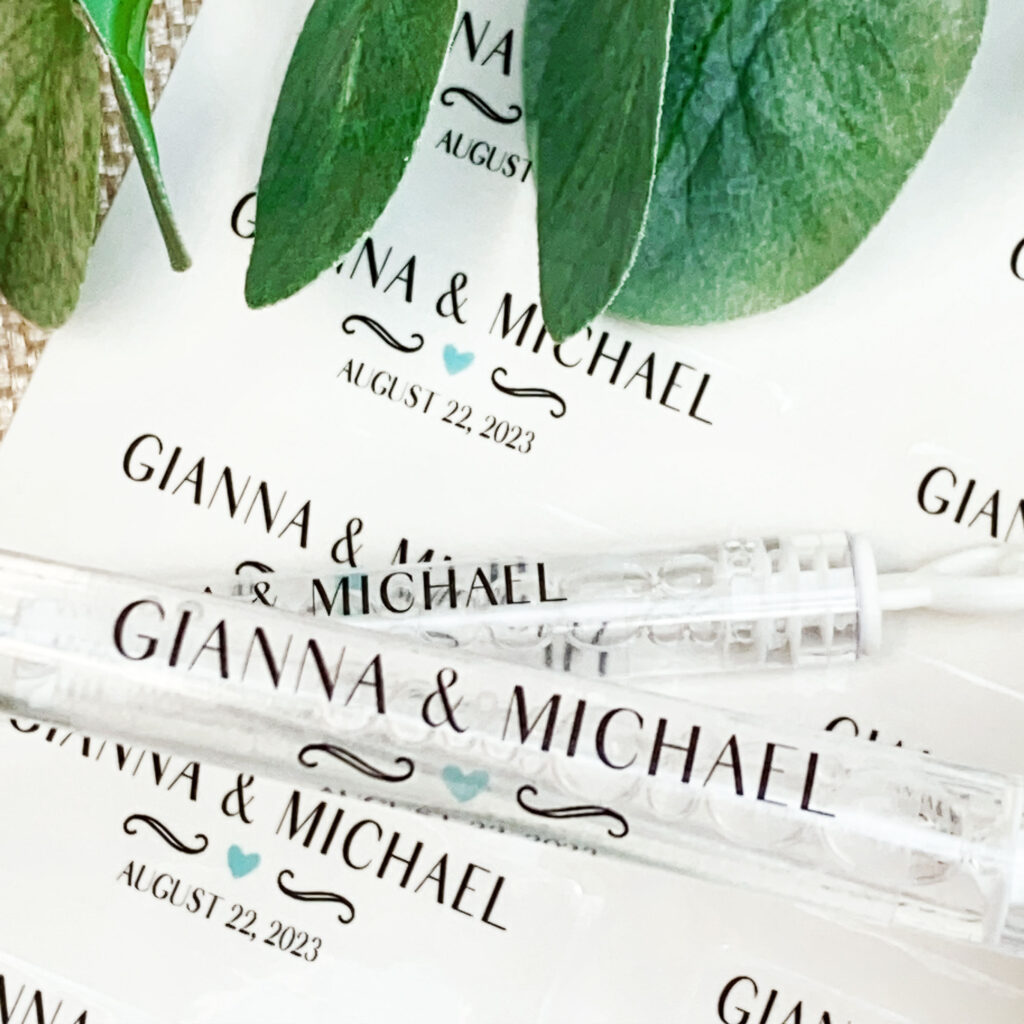
Bid farewell to single life in style with this stunning Bubble Send Off Sign! Instantly download this printable sign and transform your wedding exit into a truly unforgettable moment.
Instant digital download, no waiting
Available in 5×7″ and 8×10″ sizes
Minimalist, modern design complements any wedding aesthetic
Encourages guests to shower you in celebratory bubbles
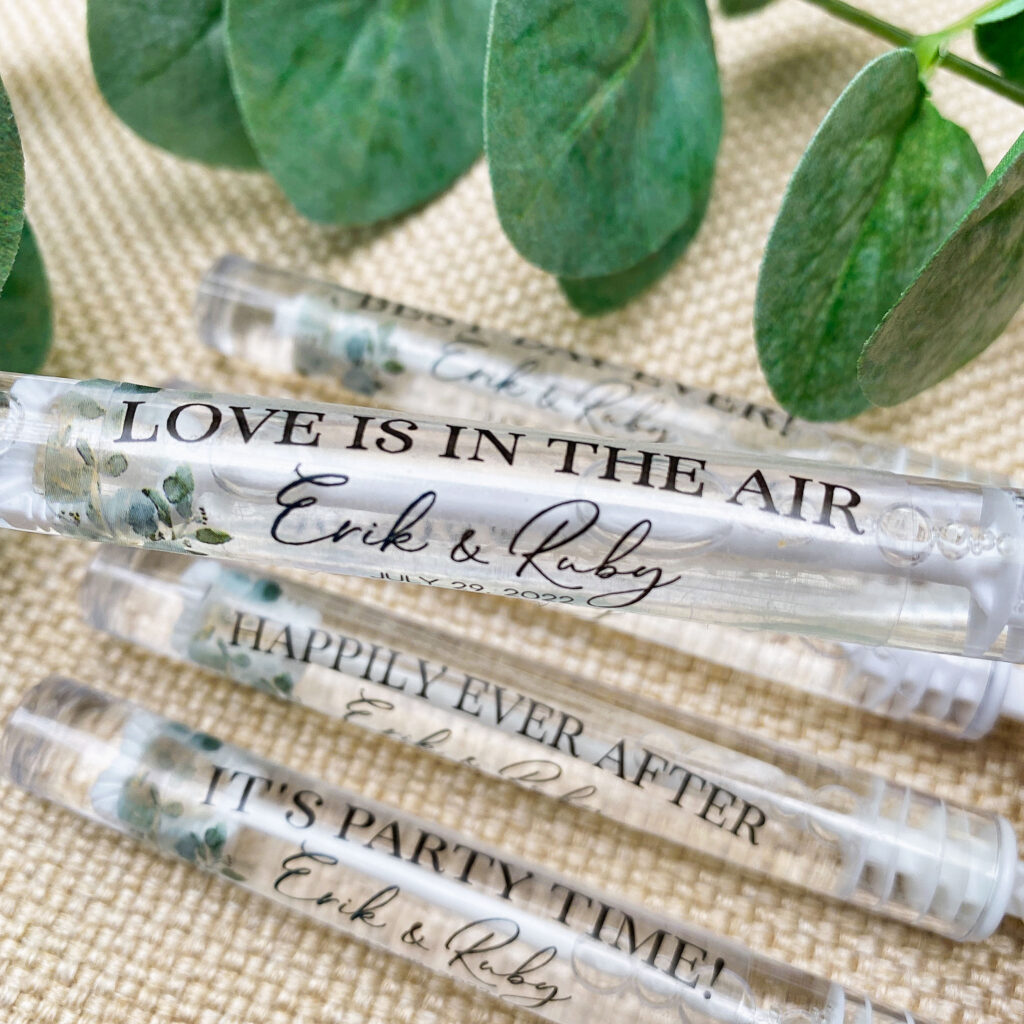
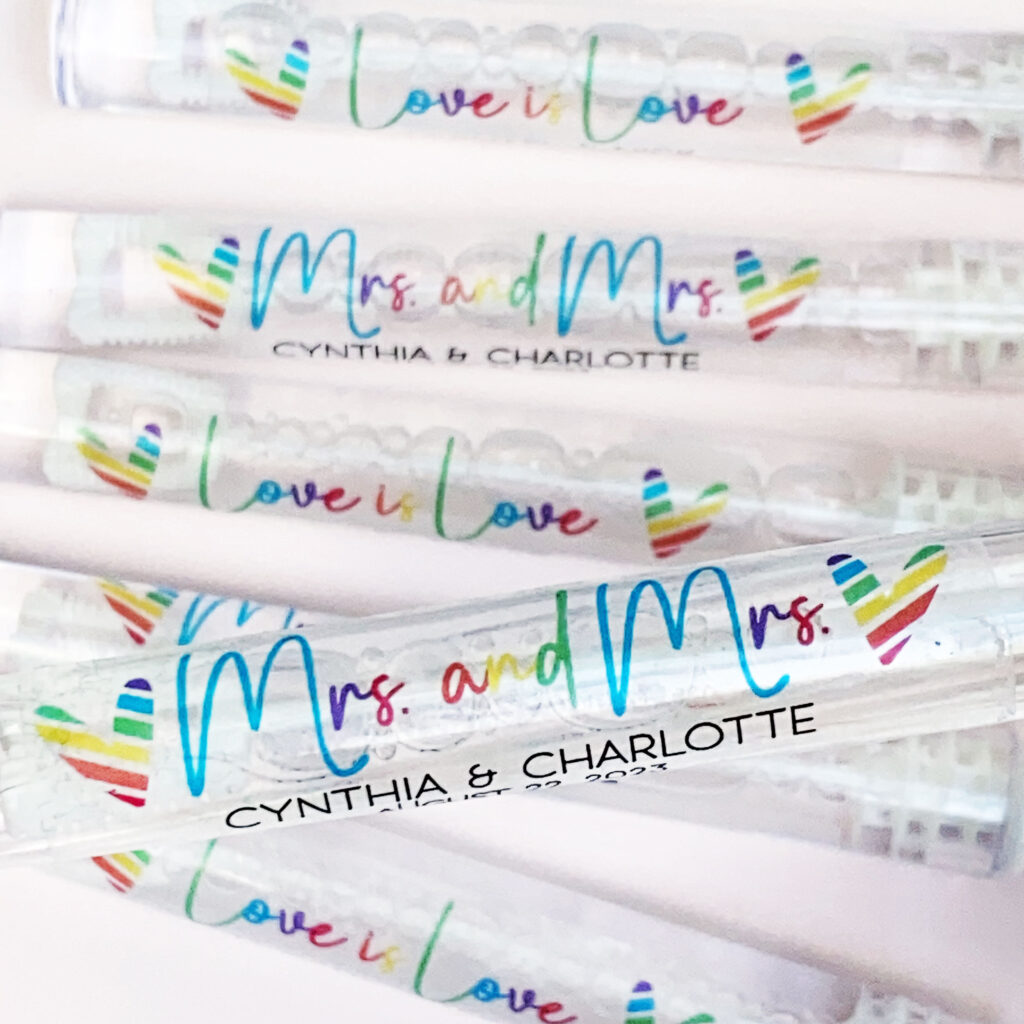
Imagine your guests joyfully blowing bubbles as you and your partner make your grand exit! Our custom wedding bubble labels set the perfect tone, guiding your loved ones to celebrate your union in a magical, memorable way.
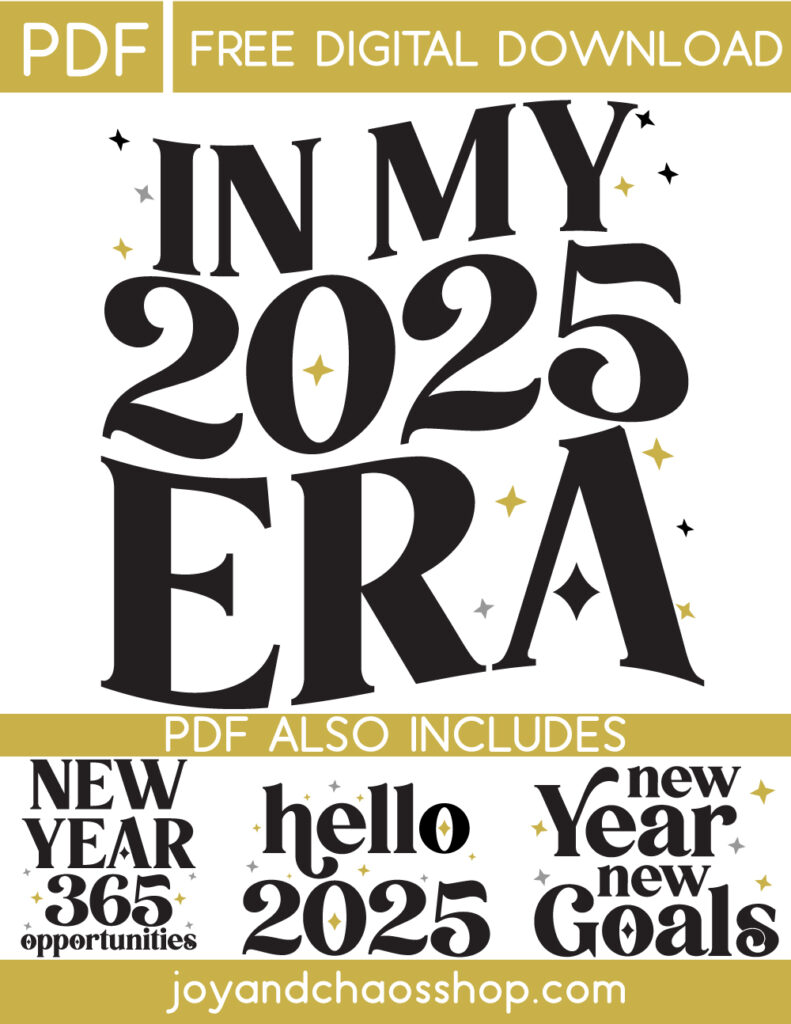
Who’s ready to embrace 2025 in style? We’re excited to share our exclusive “In My 2025 Era” design, available now as a free instant download! Whether you’re a crafting enthusiast or simply someone who loves customizing their life, this modern and trendy design is perfect for adding a touch of 2025-inspired flair to your creations.
This 2025 Era design is perfect for:
T-shirts: Create trendy apparel that makes a statement.
Mugs and Tumblers: Add a Era vibe to your everyday drinks.
Stickers Tattoos and Decals: Personalize your laptops, water bottles, or planners.
The possibilities are endless when you bring this design to life!
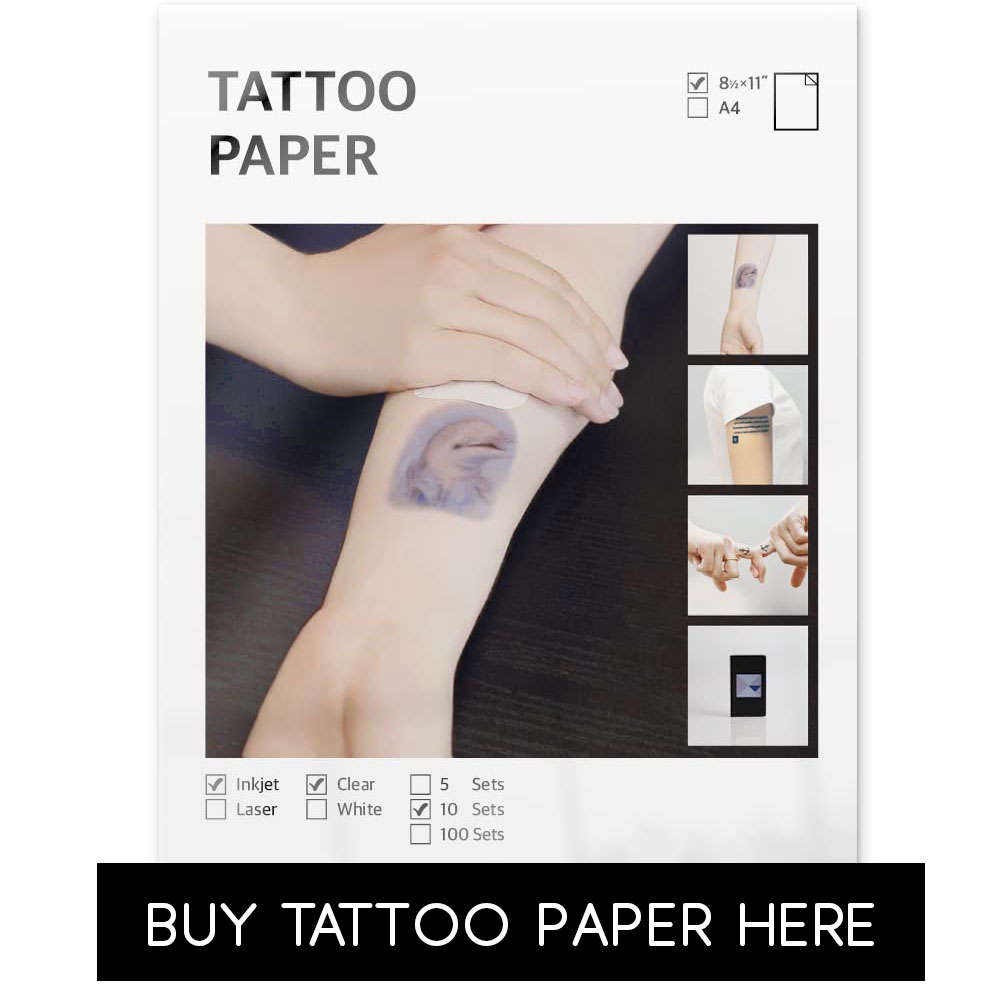
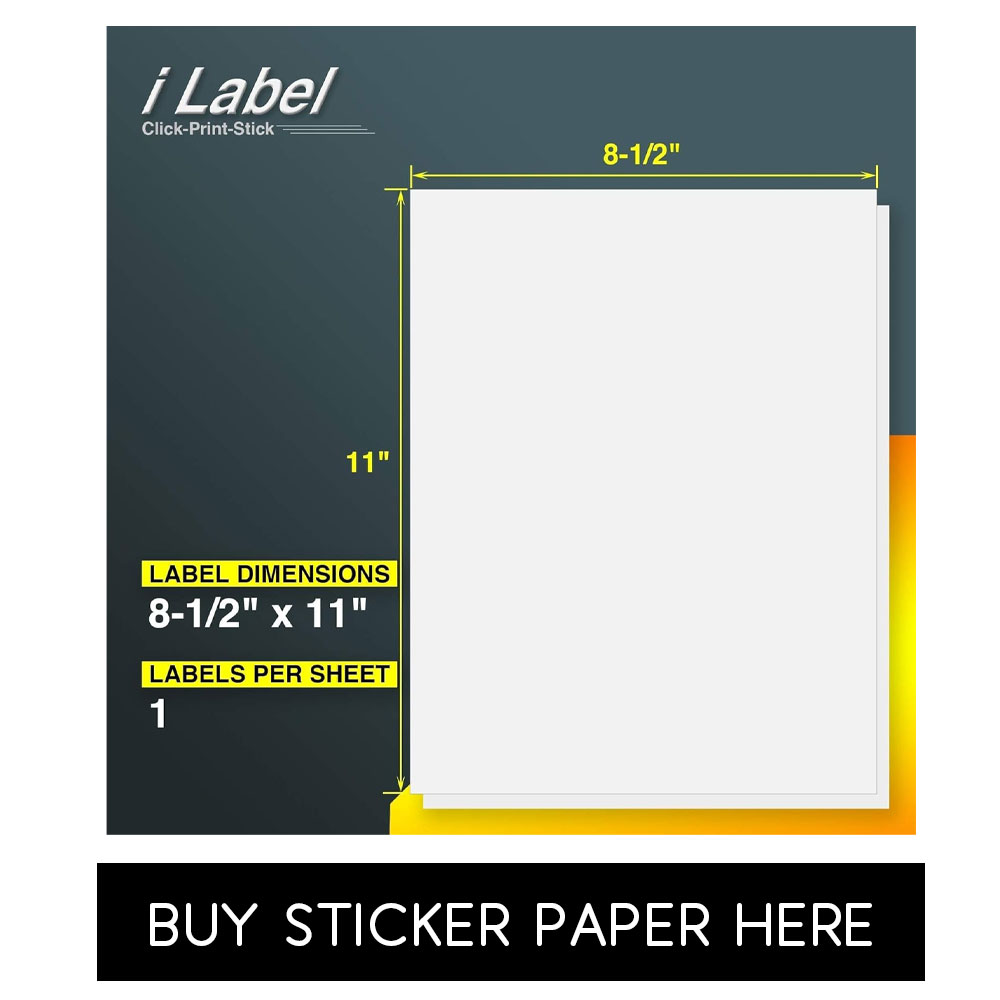
Download our PDF and print from home on regular paper, sticker paper or tattoo paper. The options are endless!
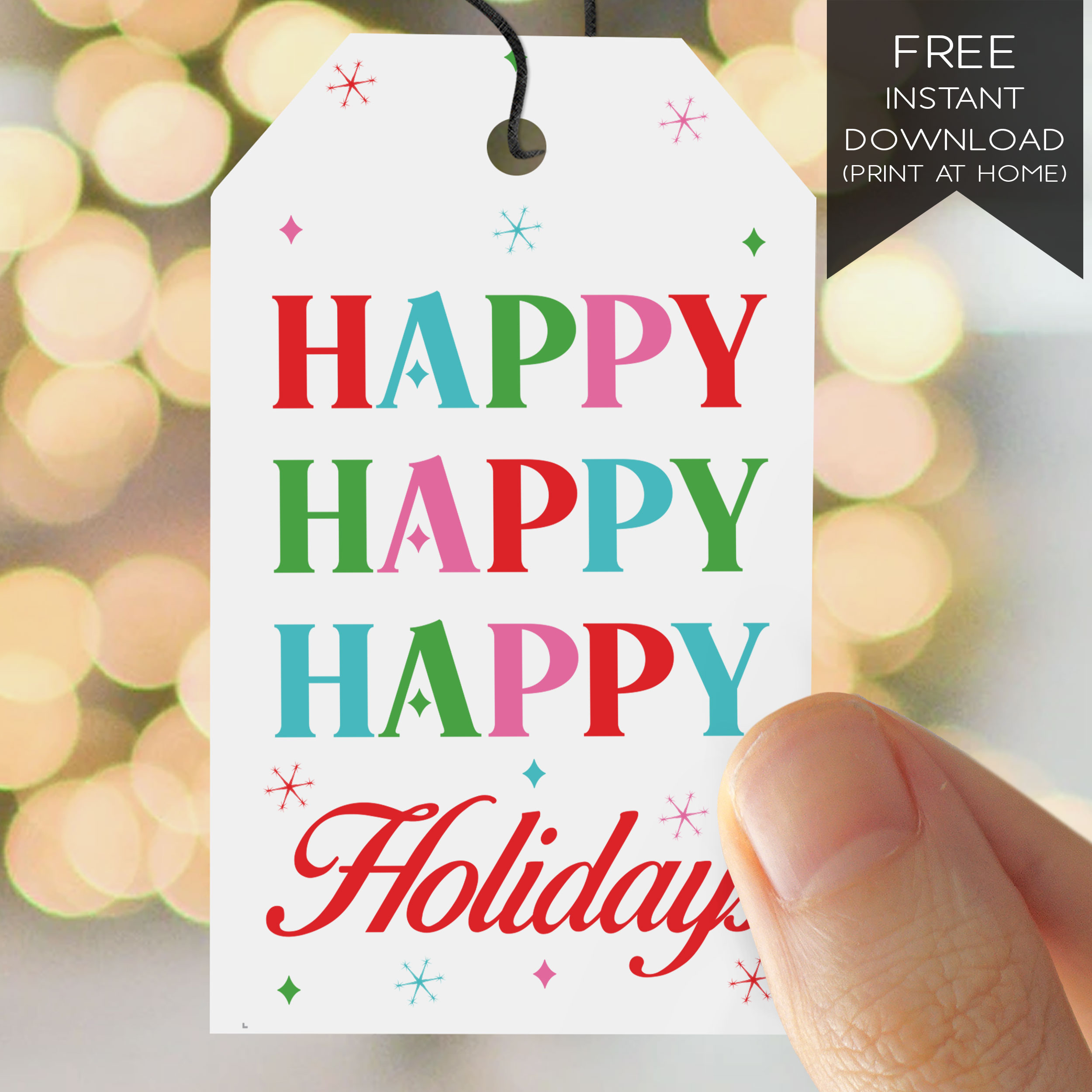
Spread some holiday cheer and elevate your gift-giving game! Our FREE festive print-at-home gift tags are here to add that extra sparkle to your presents!
Simply download, print, and let your creativity shine. Whether you’re wrapping for family, friends, or that special someone, these tags are the perfect touch to make your gifts stand out under the tree!
So grab your scissors and tape, and let’s make this holiday season unforgettable!
Printing tips – for best results:
Use your printer’s setting for 100% / “Full Size” / “Do Not Scale”
Use your printer’s setting for “High Quality” or “Photo Print”
These files are meant to be printed on regular white copy paper or white cardstock. The colors will not print correctly if you use dark or colored paper.
While these are intended to be printed at home, you may also e-mail/take these pdfs to your local copy center and have them print for you.
PLEASE NOTE: Due to variations in each device’s display settings and calibration, as well your printer’s settings; printed colors may appear different or less bright than what you see on your screen.